Use TripShot to find Crimson Ride routes and stops, check schedules and view real-time bus information before your next ride.
New to Crimson Ride? Download TripShot to begin planning your trips. Current and previous Passio GO users should download the TripShot app because Passio GO will no longer be supported.
Setup Instructions
Download the TripShot app
Scan the QR code below or visit the App Store or Google Play to download TripShot.

Enter Service Name
Search for University of Alabama, then click Next.

Sign Up or Use Without Account
Sign up is not required to use TripShot, but setting up an account will allow you to:
- Save your favorite routes
- Keep a ride history
- Use the On Demand service for Crimson Concierge (eligible faculty and staff only)

For previous Crimson Concierge users, visit the Crimson Concierge page for details.
Start Finding Your Crimson Ride!
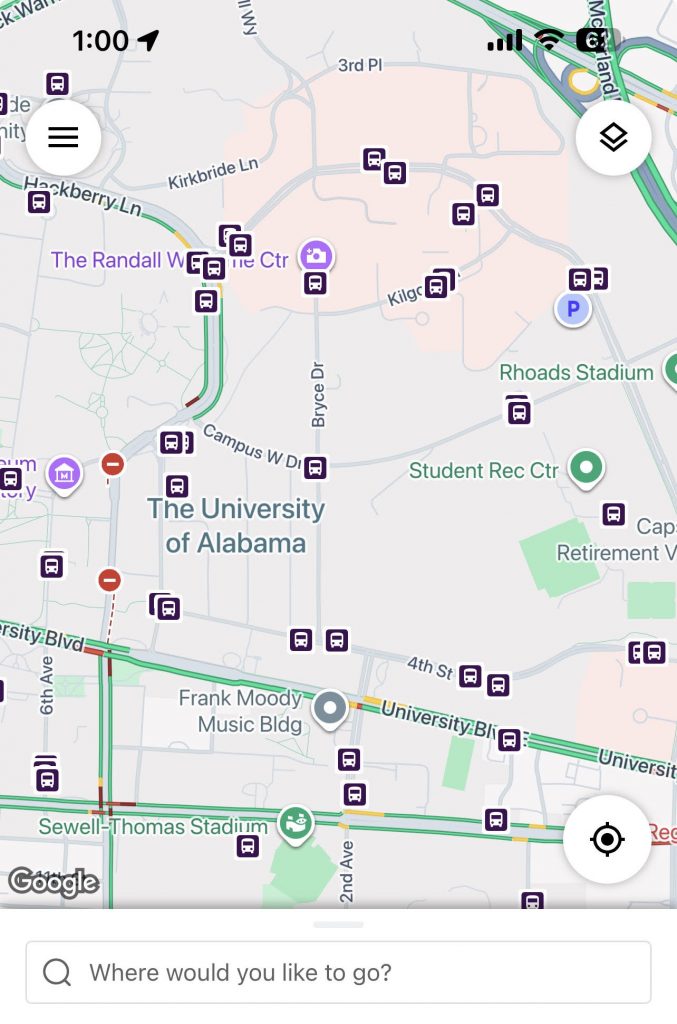
Travel Options
From the home screen there are three ways to find your routes and get travel information: Trip Planner, Routes and Nearby Stops.
Trip Planner
Select the Trip Planner to see options from your current locations, or chosen starting location, to your desired destination.
Select Trip Planner in the TripShot app

Select To/From Destination
Change from Current Location to select where you’ll begin your ride. Then select your ending destination.
Select Depart Now to change and view departure/arrival times.

Select a “plan” to view details or set up notifications

Revise your Connecting Mode to see more options
Select the person icon to change your Connecting Mode: Walk, Bike or Drive.
The faster you can move around the more options available.
You can also select your desired departure/arrival times for best available options.

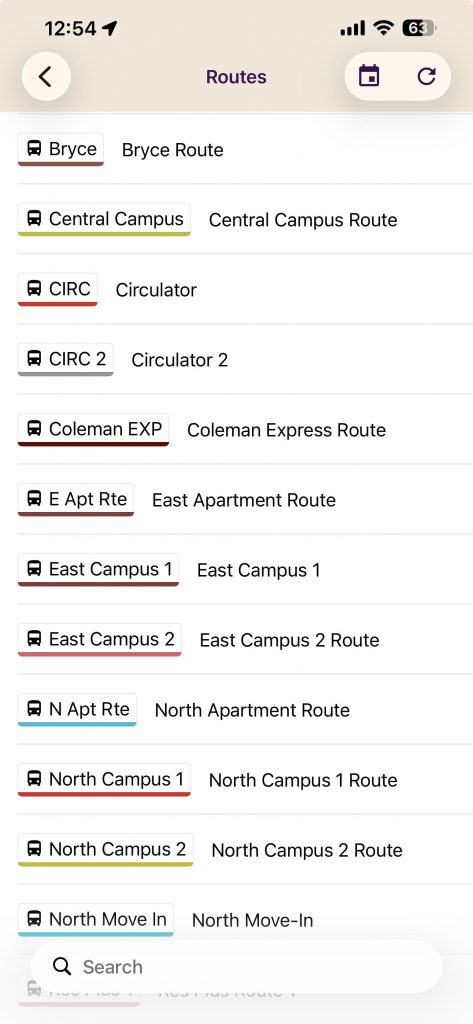
Routes
Select Routes in the TripShot app

Select a Route
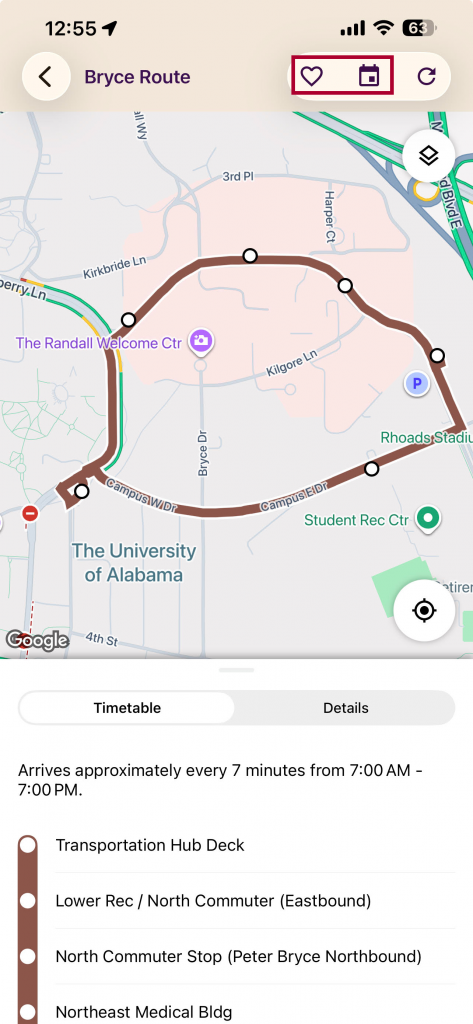
View Route details once selected
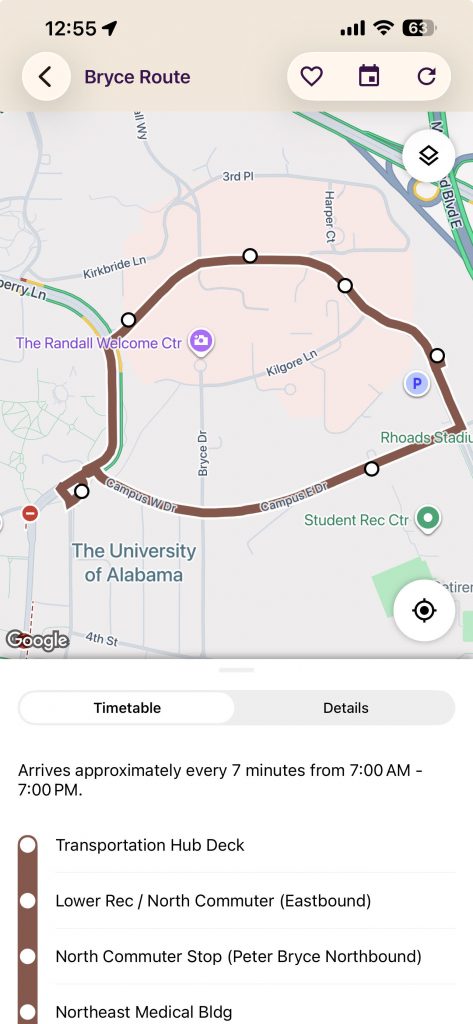
Favorite the route
Use the heart icon to Favorite the route. Use the calendar icon to view schedules for other dates for the selected route.
You must setup an account to save your favorite routes.
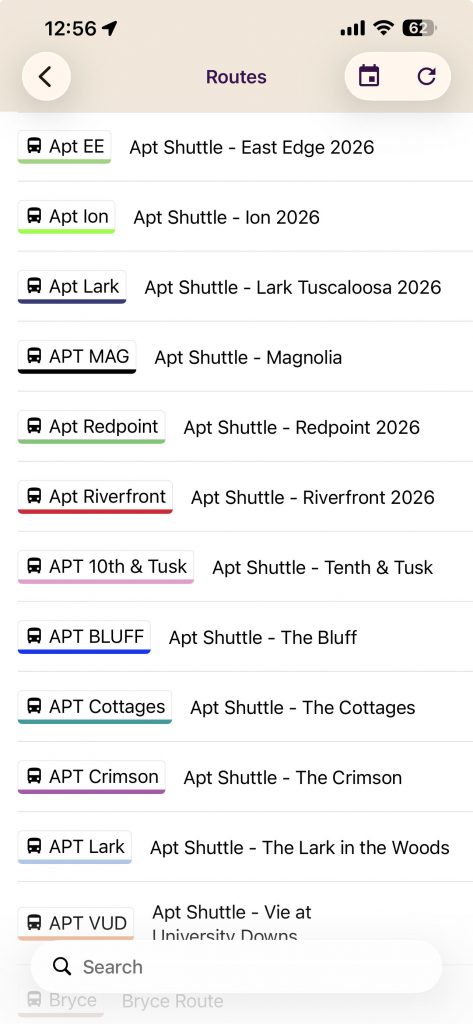
Apartment Routes
Select your Apartment Route
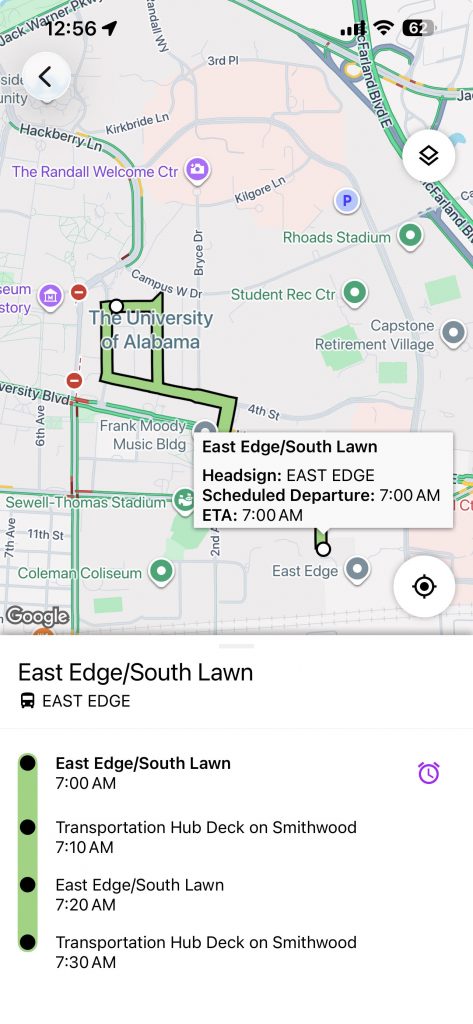
View the Apartment Route details
You can see scheduled departure and estimated arrival times.
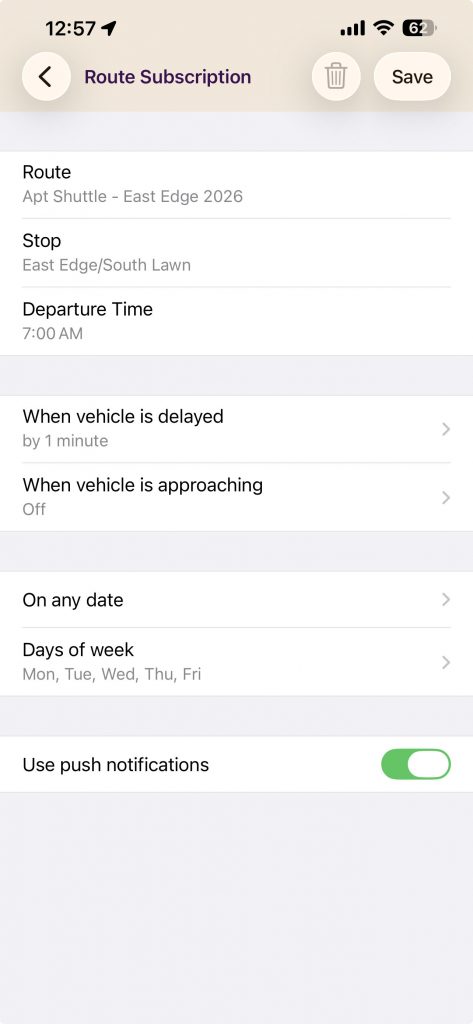
Set notifications for your route
You have the option to be notified of service changes such as delays or when the bus is arriving at any time or only on the days you specify.
Use the clock icon when selecting the route to add notifications.
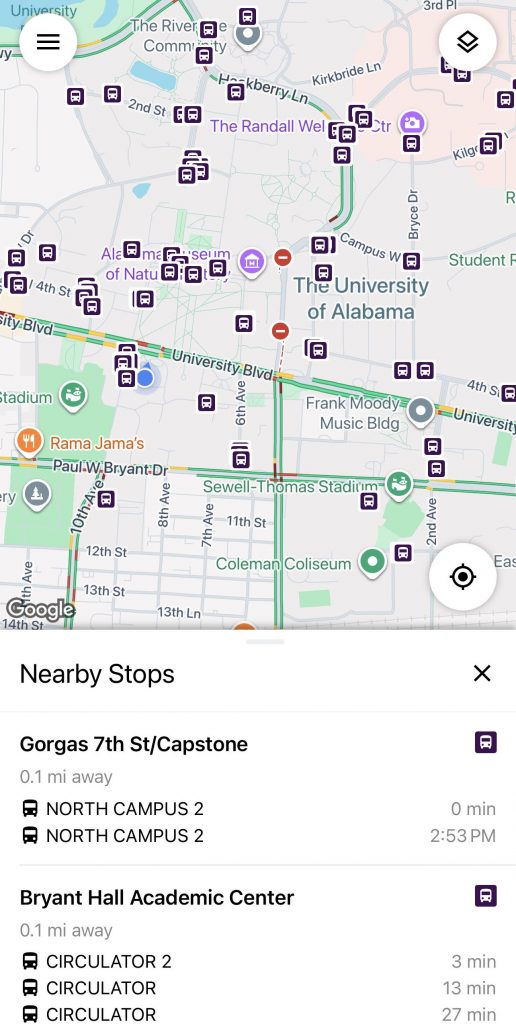
Nearby Stops
Select Nearby Stops in the TripShot app
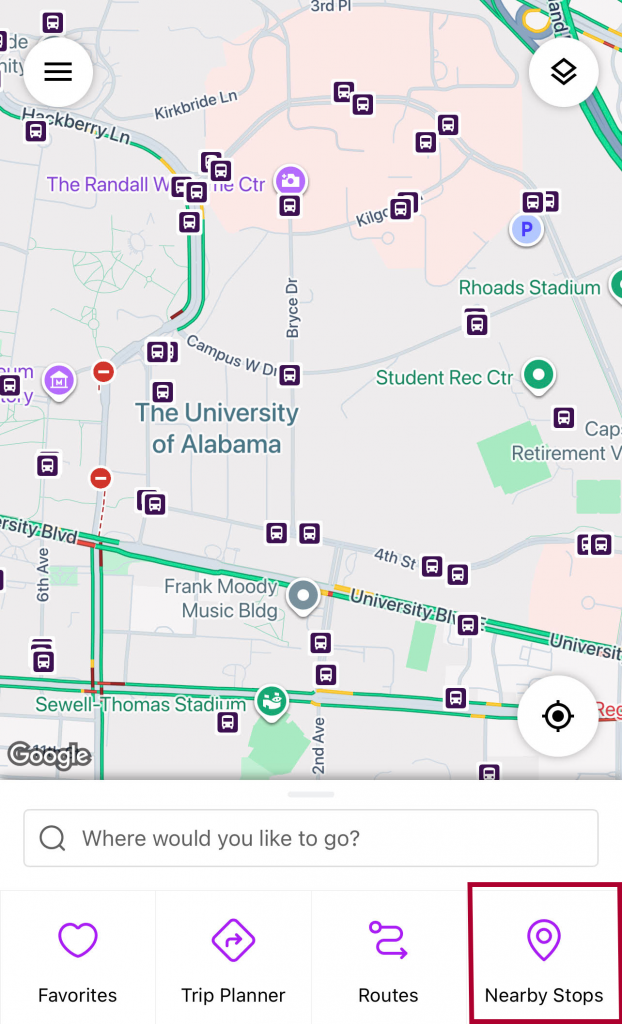
View the stops nearest your current location
Selecting a stop will allow you to receive directions to the stop from your current location.